 Lobby
Lobby  Support
  Casino
SpinBet App Download for Android & iOS
SpinBet Casino app allows you to have more than 5000 games in a simple and straightforward way. Our mobile software works for both Android and iOS devices. This lets Spin Bet users explore titles like Wanted Dead or a Wold and Lucky Penny 2 on the move. With the SpinBet app, users also get quick replies from customer support at any time in any location.
Pros
- The SpinBet NZ app has a more user-friendly interface for faster access to all sections compared to the browser-based experience.
- It provides a faster loading time that ensures that games load quickly and run without lagging.
- You get quick updates on promotions, offers, and match results when you activate push-in notification.
Cons
- It requires you to update for performance and new features when there is a release of the latest version on the App Store.
- You require a reliable internet connection for proper functioning of the SpinBet app.
- It does not offer a broader notification audience reach compared to web-based play.
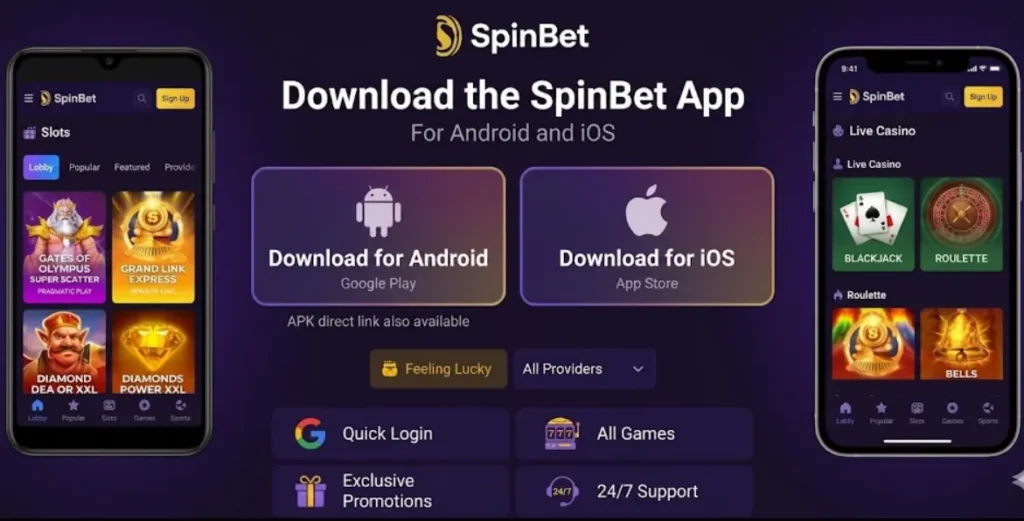
How to Download the SpinBet Mobile App
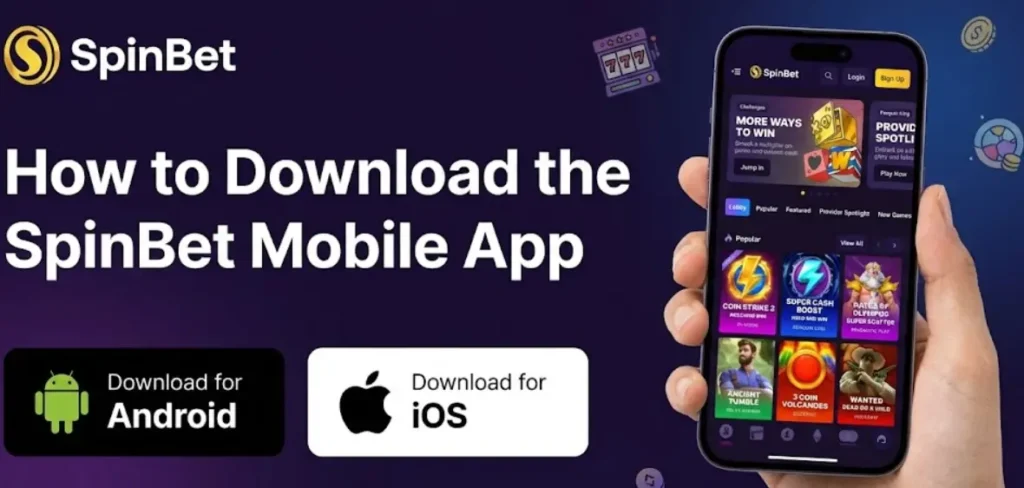
SpinBet offers a native iOS app available on the App Store and a Progressive Web App (PWA) for Android devices. Both options are free to download and provide full access to casino games, sports betting, and account management. New Zealand players can install the app in under 2 minutes.
| Feature | iOS App | Android PWA |
|---|---|---|
| Download Source | App Store | Browser (Chrome) |
| Installation Type | Native app | Add to Home Screen |
| App Size | ~85 MB | ~2 MB (cached) |
| Minimum OS Version | iOS 14.0+ | Android 8.0+ |
| Offline Access | Limited | No |
| Auto Updates | Via App Store | Automatic |
| Push Notifications | Yes | Yes (when enabled) |
| Biometric Login | Face ID / Touch ID | Fingerprint (device-dependent) |
How to Download and Install the SpinBet App for Android
You don’t need to make any downloads from the Google Play Store. Open our website with your Chrome browser. We advise you to check you are in the right domain as there might be malicious agents creating fake versions of our website.
Since our website supports PWA, you may see a notification come up asking if you would like to add the SpinBet Casino app to Home Screen. If you didn’t get that, do the following.
- Tap on add to home screen: Hit Add to Home Screen and confirm the installation.
- Open the menu: Click on the triple dots in the top right corner of your Chrome browser.
To prevent any problems with getting the SpinBet App download for android to work, remember to allow installation from unknown sources.
Android Troubleshooting
| Problem | Solution |
|---|---|
| No “Add to Home Screen” option | Update Chrome to latest version, clear browser cache |
| PWA not loading | Check internet connection, disable VPN if active |
| Icon not appearing | Check your app drawer, some launchers place new icons there |
| Notifications not working | Enable notifications in Android Settings > Apps > Chrome > Notifications |
How to Download and Install the SpinBet App on iOS
SpinBet is free to download on iOS devices. You can download this app directly from the iOS store. To download and install the software on iPhone or iPad, the following steps are to be taken:
- Open the iOS store
Head to the Apple store and look for SpinBet casino u0026 sports. Another option is to get the direct link to the iOS Store on SpinBet official website.
- Download the SpinBet app
You then click on Get to begin download and installation.
- Launch the software
When the installation is successfully done, proceed to launch the software and start playing games. New users can then register, while existing users can then log in.
Note that your login details are the same as in the browser version, which means you get to use that identical Spinbet App login details to access your mobile software and web play games.
iOS Troubleshooting
| Problem | Solution |
|---|---|
| App not found in App Store | Ensure your region is set to New Zealand in Settings > Apple ID > Media & Purchases |
| Download stuck | Check Wi-Fi connection, restart App Store, or restart device |
| App crashes on launch | Update to latest iOS version, reinstall app |
| Face ID not working | Enable Face ID for SpinBet in Settings > Face ID & Passcode |
Device Types (Phone, Tablet, PC Webview)
Our SpinBet Mobile App offers over 5000 casino games across mobile, desktop and tablet devices. This gives our New Zealand players flexibility in how they can access the software.
| Devices | Features |
|---|---|
| Mobile phones | You can easily browse games, and manage your account on the go with smartphones from one tap on your home screen. The SpinBet casino app software is built for smaller screens and touch controls. |
| Tablet | Tablets are the best for our New Zealand users who love to multitask without sacrificing portability. The visuals are great for live dealer titles. |
| PC Webview | Users who love traditional navigation and a bigger screen can stick to PC Webview. This option makes account management easier and produces better graphics. This is the suitable option for users who play occasionally or do not wish to have an installed software. |
SpinBet App vs Browser: Which Should You Use?
| Feature | Mobile App (iOS/PWA) | Mobile Browser | Desktop Browser |
|---|---|---|---|
| Loading Speed | Fastest | Medium | Fast |
| Push Notifications | Yes | Limited | No |
| One-Tap Access | Yes | No (requires typing URL) | No |
| Biometric Login | Yes | No | No |
| Full Game Library | Yes (5,000+ games) | Yes | Yes |
| Live Betting | Yes | Yes | Yes |
| Account Management | Yes | Yes | Yes |
| Storage Required | 2-85 MB | None | None |
| Works Offline | Limited (iOS only) | No | No |
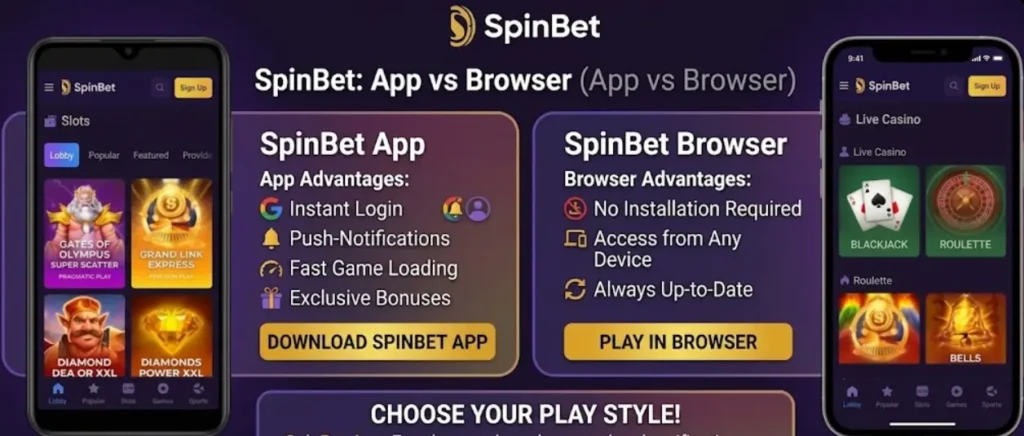
When to Use the App
- Daily players who want quick access
- Users who want real-time notifications for promotions and bet results
- Players who prefer biometric login for security
- Mobile-first users who rarely use desktop
When to Use the Browser
- Occasional players
- Users with limited phone storage
- Players who prefer larger screens for live dealer games
- Users who share devices and want no app traces
User-Friendly Interface of the SpinBet Casino App
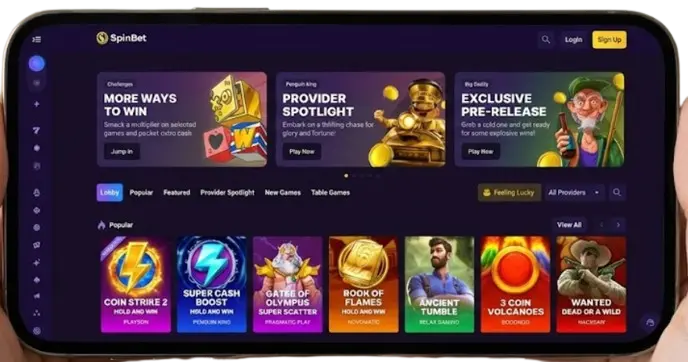
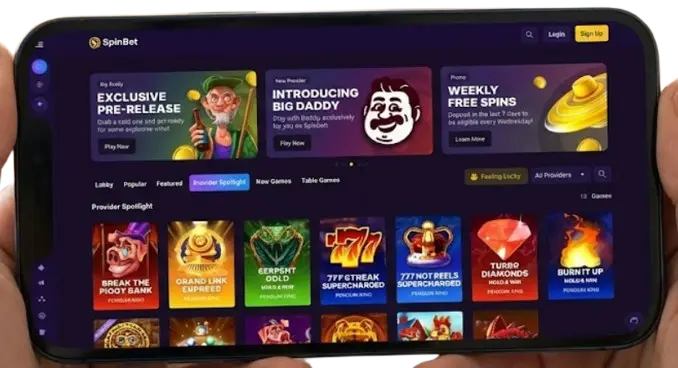
Our SpinBet mobile app interface is simple, functional and user-friendly. To get started on the mobile platform, there are two buttons meant for newcomers and existing users in the upper-right corner. There are the Sign in and Sign Up buttons.
At the top of our software, we have links that take you directly to the game collection. On this page, the SpinBet app download free titles are sectioned into categories such as popular, featured, new, and table games. Through these sections, we want our users to easily access our wide range of game collections.
There is also a push notification that provides promotion, offers and game outcomes to our users. We believe that seeing the free package will serve as a motivation for you to join us. The bottom of our homepage contains links to our about us page, terms and conditions, privacy policy and whatever support you will need.
App Features
Push Notifications
Enable push notifications to receive:
- Bonus offers and free spins
- Sports bet results
- Deposit confirmations
- Withdrawal status updates
- New game releases
How to enable: Go to App Settings > Notifications > Toggle On
Security Features
- 256-bit SSL encryption
- Biometric authentication (Face ID, Touch ID, Fingerprint)
- Automatic session timeout after 15 minutes of inactivity
- Two-factor authentication support
- Secure password storage
Payment Methods in App
All deposit and withdrawal methods available on desktop work in the app:
- Visa / Mastercard
- Bank Transfer (NZ banks)
- POLi
- Skrill / Neteller
- Cryptocurrency (BTC, ETH)
Best Mobile Games to Play on SpinBet Casino
SpinBet mobile app on phones gives you direct entry to promotions and games. They are perfect for use during commute and break periods, while enjoying a wide range of mobile optimised games, including slots like Ze Zeus or BrickHouse Bonanza and live titles like Speed Roulette or Live Blackjack.
The mobile games library gets updated with new releases, which allow users to have access to new game titles released at no cost of downloading additional software. With the mobile version, players also get to enjoy quality with no compromise, faster loading and responsive layouts.
Benefits of Mobile Gaming
With our Spin Bet App download, you get convenience, that is, connect to our wide range of games in one click. Players get to enjoy quicker navigation and more responsive playing. Our app is free to get on iOS and Android devices.
Also, new users do not struggle with understanding its interface. Furthermore, as a mobile user, you get real-time alerts on game releases, personalised offers, news directly on your device.
Ratings from experts show high ratings on performance and comprehensive features on the software. Additionally, SpinBet has been recognised for being a stable platform for casino gaming.
Bonuses for SpinBet Casino Mobile App Players
SpinBet app offers a welcome package of 200% up to 6000 NZD and 100 free spins. The first deposit portion of our welcome reward is 100% extra plus 100 free spins on Gates of Olympus, SpinBet Princess, Sweet Bonanza, and Floating Dragon. You navigate to the reward section on the app to activate this benefit.
New SpinBet App download users also get bonuses on their second and third deposits. Overall, all you have to do is meet the minimum deposit and wagering requirements to get these bonuses. There are also reload, referral, seasonal bonuses and a VIP program for existing mobile users. Check our official website for more offers.
Security and Data Protection Measures
SpinBet mobile app uses end-to-encryption to protect your activities. There is also availability of biometric options on compatible devices as an added layer of security.
We integrated robust security measures to ensure that our mobile software remains a top-tier mobile gaming platform. Casino experts noted SpinBet app for its strong commitment to security measures.
There is also a monitoring system in place that monitors all withdrawals and deposits. Once our system detects suspicious financial activities, it gets flagged and scrutinised. We follow our privacy policy to secure our user data on our servers and maintain your privacy.
What should I do if the app keeps crashing?
- Ensure your device meets minimum requirements
- Update to the latest OS version
- Uninstall and reinstall the app
- Clear app cache (Android: Settings > Apps > SpinBet > Clear Cache)
- Contact SpinBet support if issues persist
FAQ
Is the SpinBet app free to download?
Yes. Both the iOS app and Android PWA are completely free. There are no subscription fees or hidden charges for the app itself.
Is there an APK file for Android?
No. SpinBet does not provide an APK download. Android users install a Progressive Web App (PWA) through Chrome browser. Any website offering a SpinBet APK is unofficial and potentially dangerous.
Can I use the same account on multiple devices?
Yes. Your SpinBet account works on unlimited devices. You can switch between phone, tablet, and desktop seamlessly. Your balance, bets, and history sync automatically.
Why can't I find SpinBet in the Google Play Store?
Google Play Store restricts real-money gambling apps in many regions. SpinBet offers a PWA as an alternative, which provides the same functionality without requiring Play Store distribution.
Does the app work offline?
Limited functionality. You can view your account balance and bet history offline on iOS. Placing bets, playing games, and making deposits require an active internet connection.
How do I update the app?
iOS: Updates are delivered through the App Store. Enable automatic updates or manually update in the App Store. Android PWA: Updates automatically when you open the app with an internet connection. No manual action required.
Is the app safe to use?
Yes. The SpinBet app uses the same security protocols as the desktop website, including 256-bit SSL encryption and secure login. The iOS app is verified by Apple's App Store review process.


